 Hey Morn
Leave the bed
Walk 30 steps. The iPhone counts them.
FreeHey Morn is an alarm you cannot end from your bed. A mission ends the alarm. Then the app checks that you left the bed.
This phone is a live demo. Tap “Start mission”, or tap “Stop” to see what happens.
A normal alarm stops with one tap. Then you sleep again. Hey Morn stops only when you are out of bed.
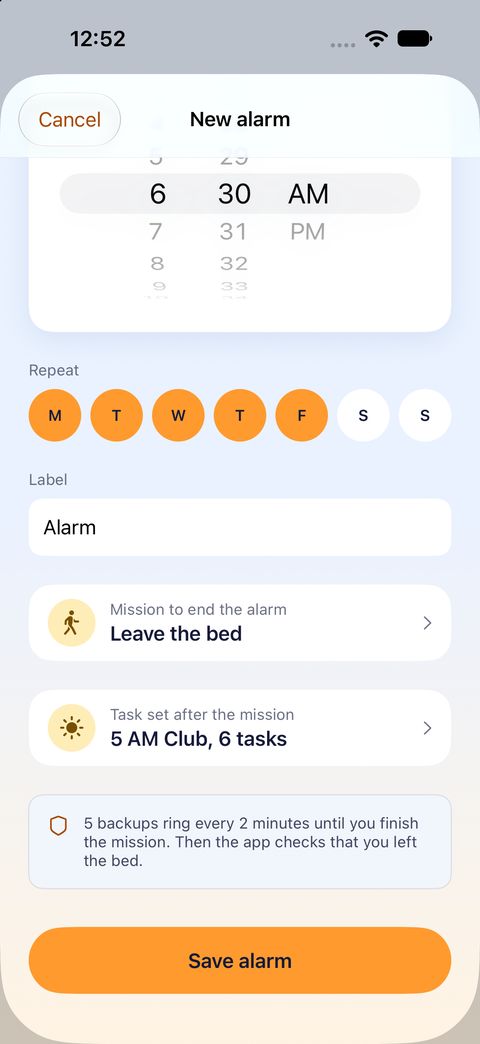
Each alarm has 5 backup alarms, 2 minutes apart. They ring in Silent mode and in a Focus. Only a finished mission cancels them.
You tap Stop. That ends one ring only.
You tap Stop again. The next backup waits.
You tap “Start mission” and solve 3 math problems.
The app cancels backups 3, 4, and 5.
The iPhone counts 30 steps. The out-of-bed check ends.
If you stay in bed after the mission, one more alarm rings 5 minutes later.
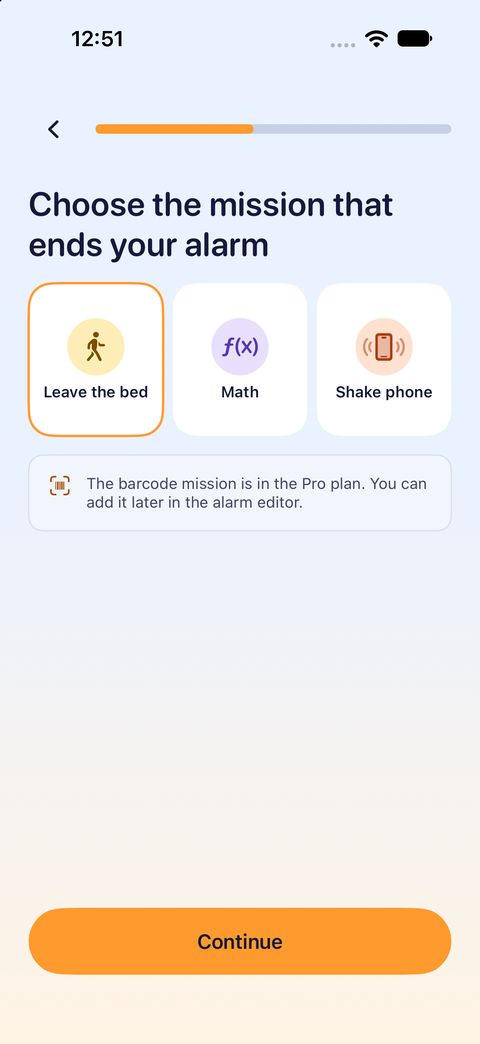
Pick one mission for each alarm. Each mission needs proof that you are awake, and a tap is not proof.
Walk 30 steps. The iPhone counts them.
FreeSolve 3 problems. You choose easy, medium, or hard.
FreeShake the iPhone 30 times.
FreeScan a barcode that you saved in another room, for example on a shampoo bottle.
ProOne good morning is easy. Hey Morn helps you with the next thirty.
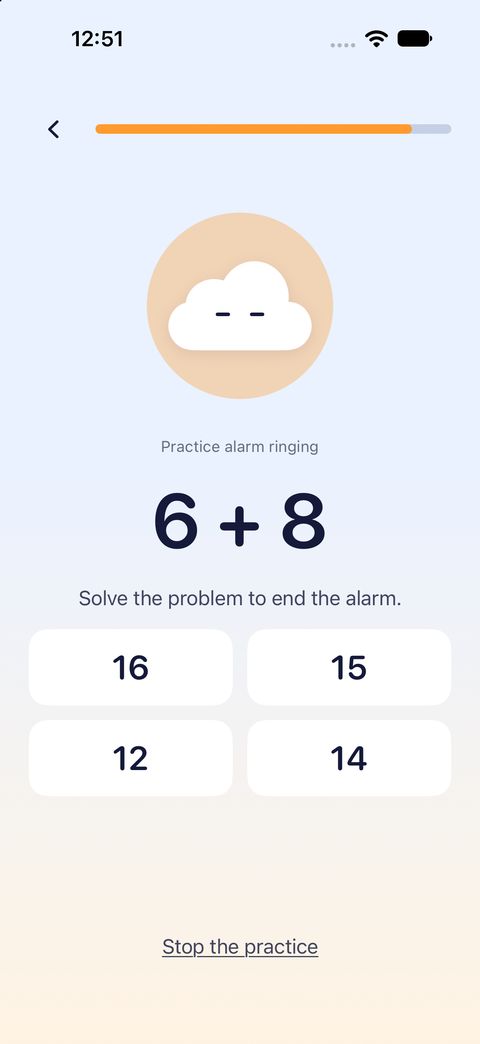
Hear the alarm and finish one mission tonight. Tomorrow has no surprise.
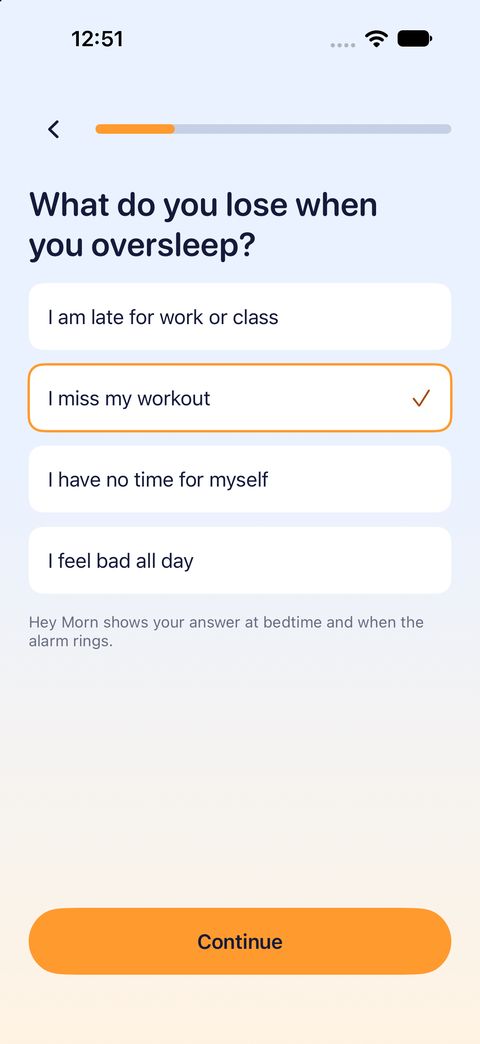
You pick it one time. The ringing screen shows it each morning.
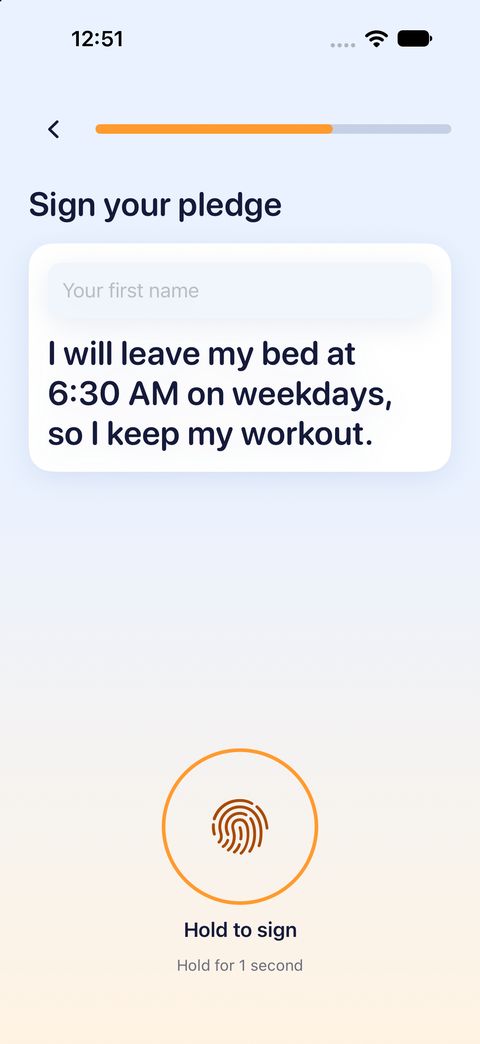
You sign a promise to yourself with your thumb.
A day without an alarm does not break your streak.
Each week you see how fast you got up, and one next step.
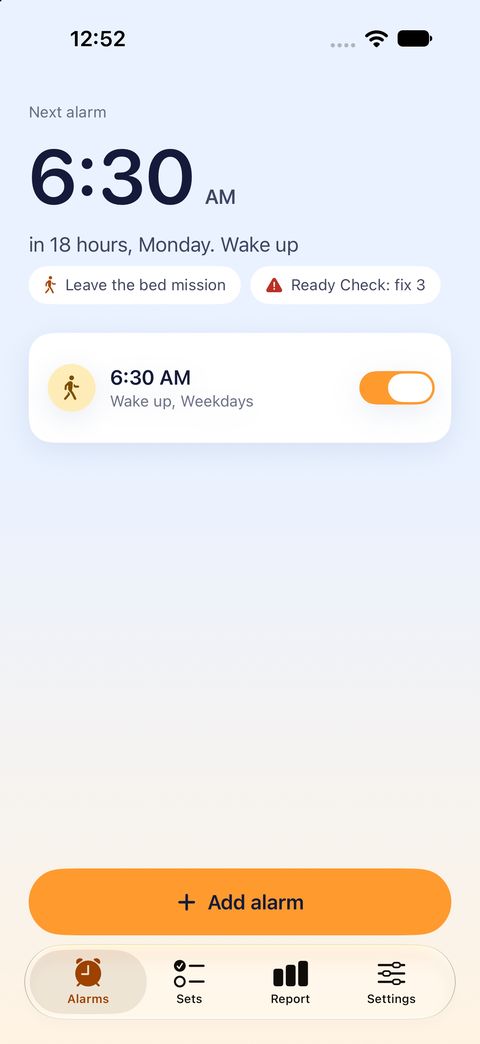
You get a note 30 minutes before bed if something can block the alarm.
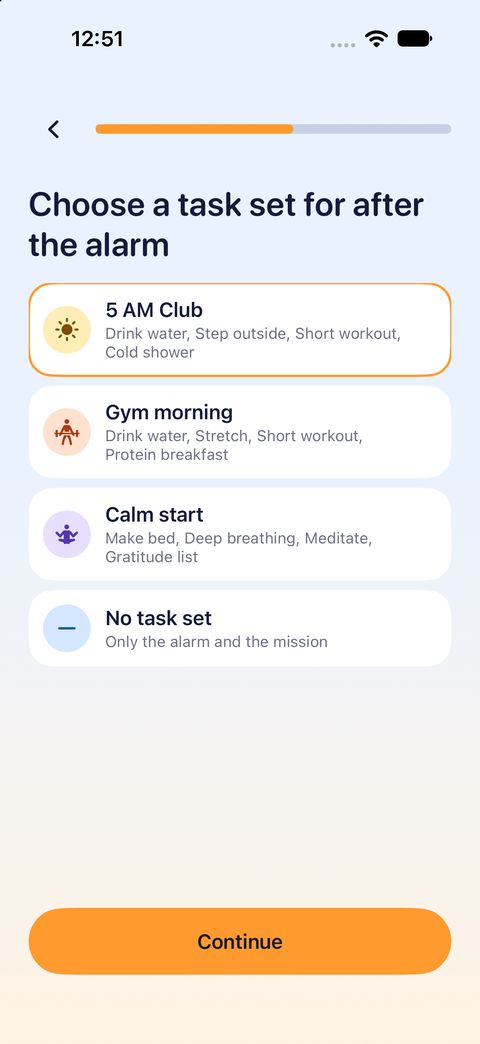
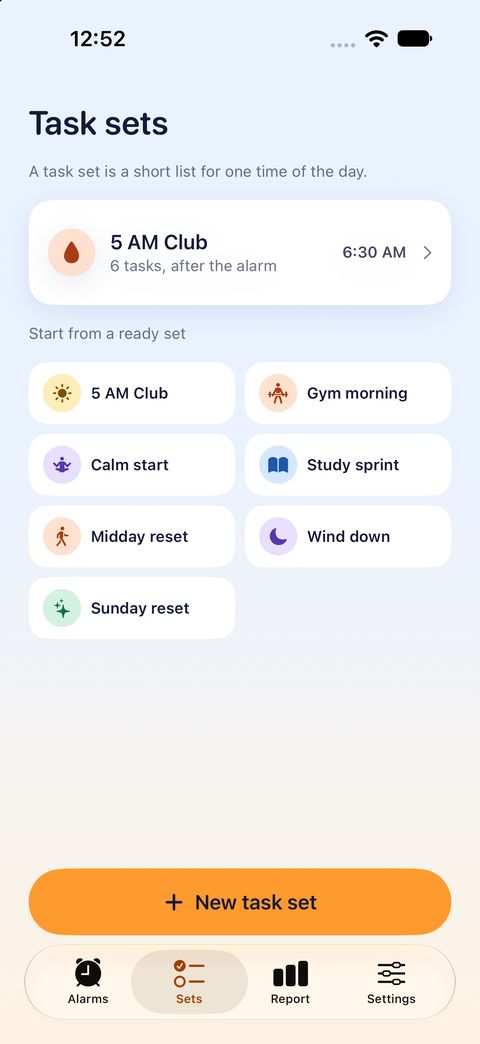
A task set is a short list for one time of the day. Choose a ready set, or make your own from 46 tasks. Many tasks have a proof, such as a timer, a step count, or lines that you type.
You do not sign up. You do not give an email address.
Your alarms, your tasks, and your wake history stay on your iPhone.
Version 1.0 has no analytics tool and no ads.
$0
No time limit
$29.99 a year
3-day free trial. Or $4.99 a month.
Prices can be different in your country. The subscription renews automatically unless you cancel at least 24 hours before the end of the period. See the terms of use.
Yes. Hey Morn uses the alarm system of iOS 26. The alarm rings in Silent mode and in a Focus.
Only a finished mission. The Stop button ends one ring, and the next backup rings 2 minutes later.
The alarm cannot ring if the iPhone is off, the battery is empty, or you delete the app.
An iPhone with iOS 26 or later.
Open the Settings app, tap your name, then tap Subscriptions. More answers are on the help page.
Free to start. Pro has a 3-day free trial. For iPhone with iOS 26 or later.
Hey Morn comes to the App Store soon. For iPhone with iOS 26 or later.